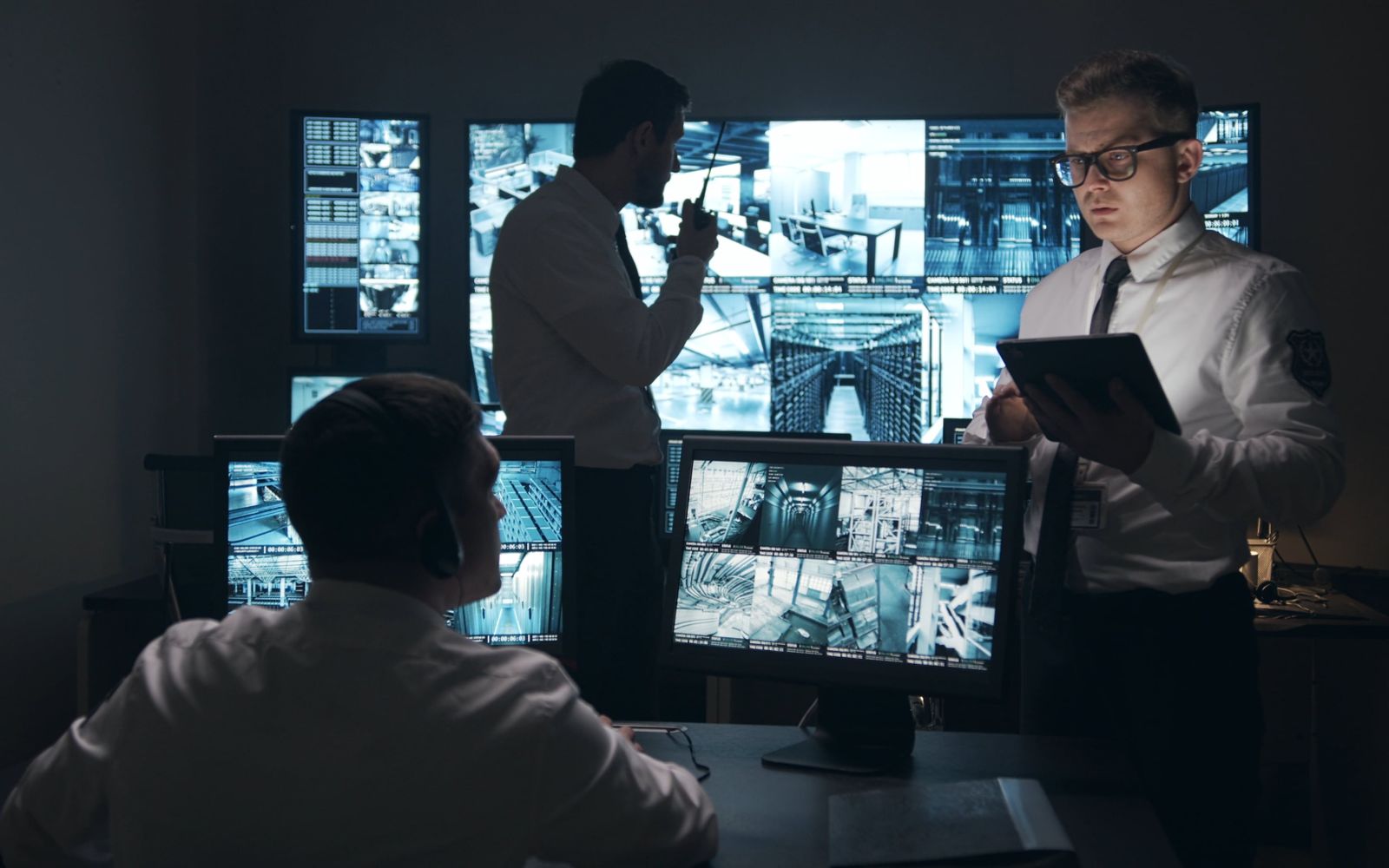
Video, artificial intelligence, dispatch, telephony and fleet — in a single control room. From the camera that detects to the unit on the map, without switching systems. Self-hosted: your data on your server.
Most control rooms run one system for cameras, a radio for the unit, a spreadsheet for the incident. Information gets lost along the way — and so does response time.
Built together, not hastily integrated. A camera event becomes an alarm, which becomes an incident, which becomes a dispatch — no friction between systems.
Live ONVIF/RTSP cameras and recording, video wall, watchdog that reconnects on its own. Hikvision, Intelbras and generic.
Facial recognition, person and restricted-zone detection. The AI itself triggers the alarm — it doesn't wait for the human eye.
Incident with protocol, priority and SOP. Dispatch the nearest unit and track its movement in real time.
Browser-based softphone. On answer, it opens the incident already with the caller's number and location.
Unit on the map via the phone's GPS, using ready-made tracking apps. No proprietary app needed to get started.
Cameras, units and incidents on the same screen, with layers and live video on the spot. Your whole operation in one view.
From the wall of screens to the unit on the street, XsecPRO turns fragmented, reactive work into one proactive command picture.
A wall of cameras only works if someone is looking at the right one. The AI watches every feed, every second, and raises the alarm itself — your team acts instead of staring.
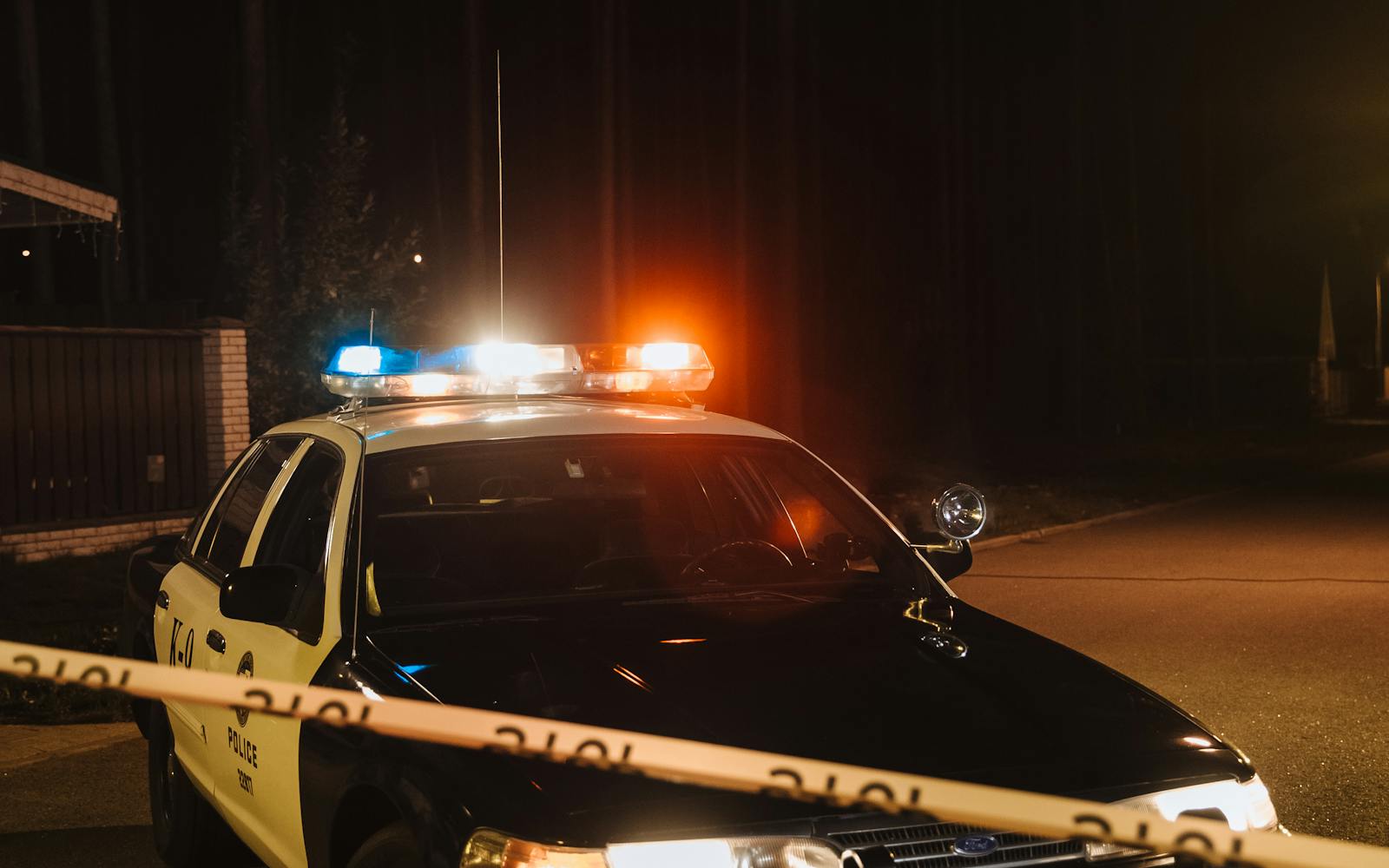
When an incident opens, you see every unit on the map and dispatch the nearest one in a click. The incident travels with the unit — address, nature and history, live.
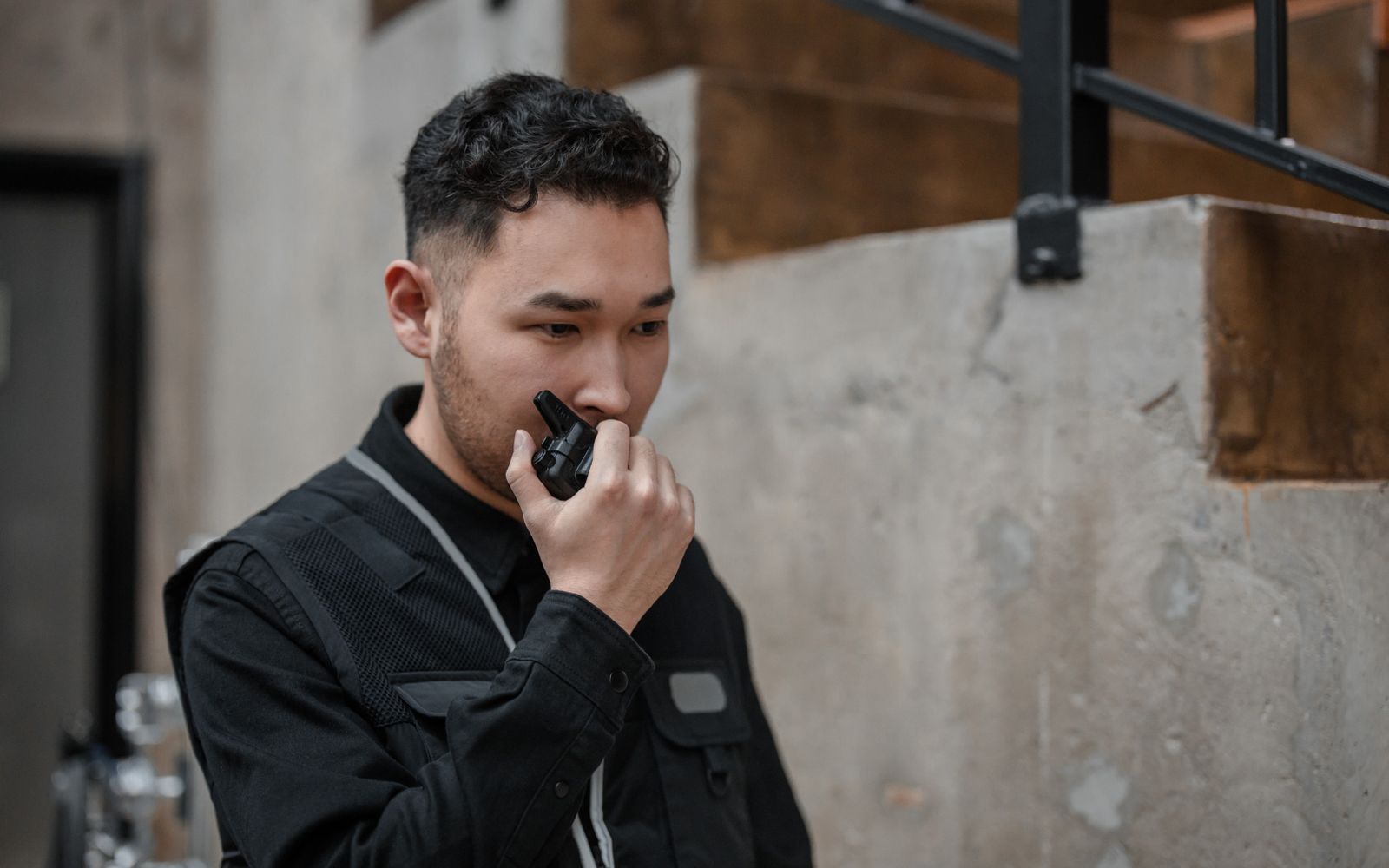
The unit gets the address and the full context on the phone, navigates straight to the scene, and the control room tracks the whole response — ready to reinforce if it runs long.
What usually involves three systems and five people is one continuous line here — timed and traceable end to end.
AI recognizes a face, a person or a zone intrusion.
Becomes a prioritized alarm, with the event video.
Opens with protocol, address and timeline.
The nearest unit is dispatched on the map.
En route → on scene, with a time counter.
The unit closes it; everything is recorded.
Industry reference categories — and what changes when video, AI and dispatch are born on the same platform.
| Capability | XsecPRO | VMS A Video management |
VMS B Cloud cameras |
CAD X Public dispatch |
Despacho Y Private monitoring |
|---|---|---|---|---|---|
| Video + Dispatch on the same platform | Yes | No | No | Dispatch only | Partial |
| AI that opens the incident (facial/zone) | Native | Add-on | Partial | No | Add-on |
| Self-hosted (data on your server) | Yes | On-prem (costly) | Cloud only | On-prem (costly) | Cloud only |
| Fleet via ready-made tracking app | Yes | No | No | Own hardware | Partial |
| No lock-in / any camera brand | Yes | Partial | Own hardware | — | Partial |
| Telephony tied to the incident | Yes | No | No | Integration | Partial |
| Focus | End-to-end operation | Video management | Cloud cameras | Gov. dispatch | Private monitoring |
* Comparison by category, based on public characteristics of each product class. Brands cited as market reference.
The visual system is born from the operations room itself: dark, high-contrast, technical. The shield with an "X" and the central aperture evoke protection, surveillance and focus.
Shield = protection · "X" = crossing of signals/security · central aperture = the lens that observes. "PRO" in cyan signals the professional/operational layer.
Status colors reused from the operation itself: cyan = active, blue = unit, amber = attention, red = critical, green = resolved.
Book a guided demo and watch the camera detect, the incident open and the unit head out on the map — in real time.